Take control of what your clients are allowed to edit.
The most powerful Beaver Builder add-on for you and your client!

Simplified experience for you and your clients
Page Control
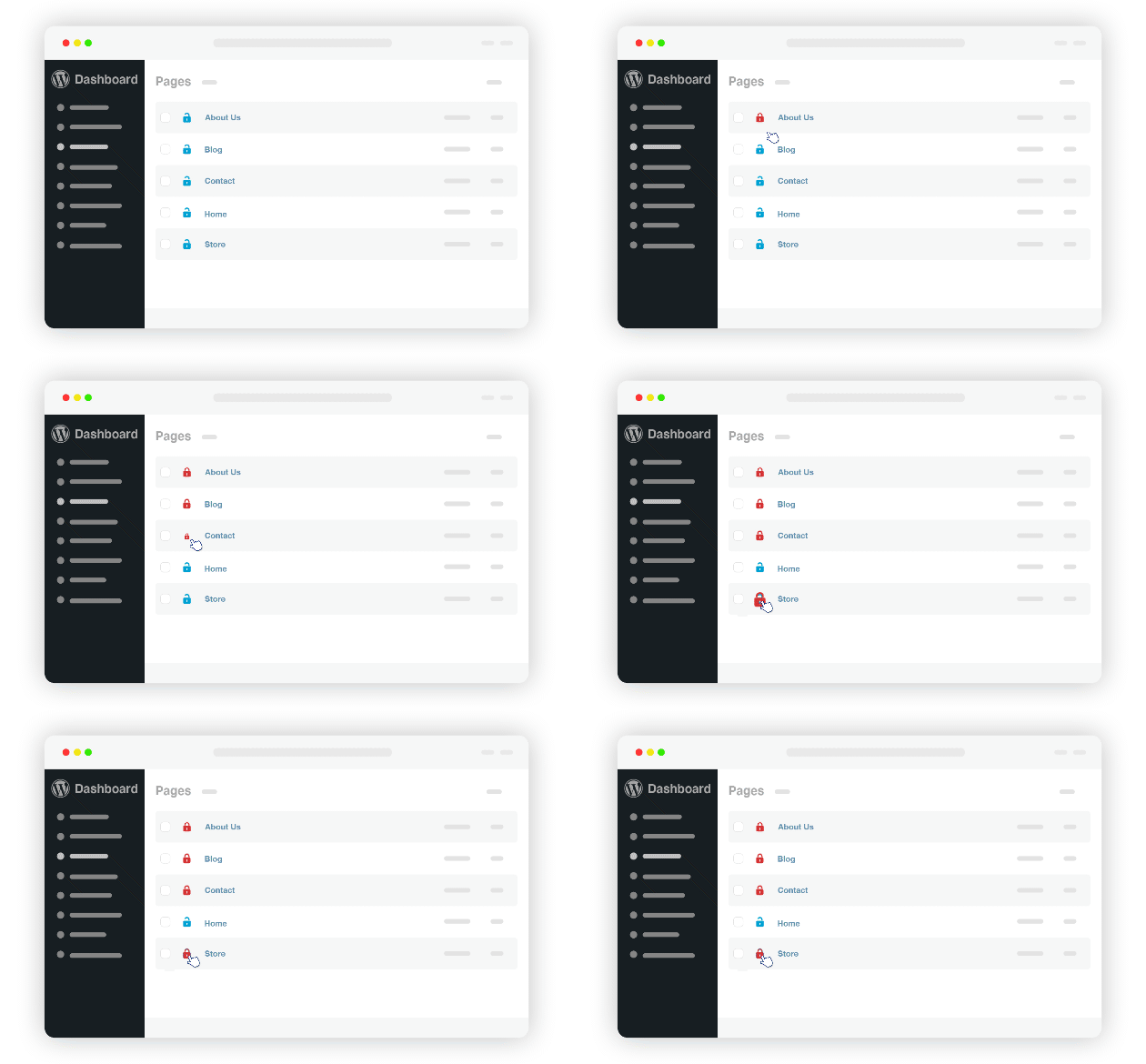
Control editing access to any page or post.
Access control should start at the source of the layout. With Beaver Access Manager you now have the option to restrict access to any page or post within any post type! Yes, even themer templates! Why give access to pages clients can potentially break? Simply lock the page from editing access. It’s a true game changer!
Element Control
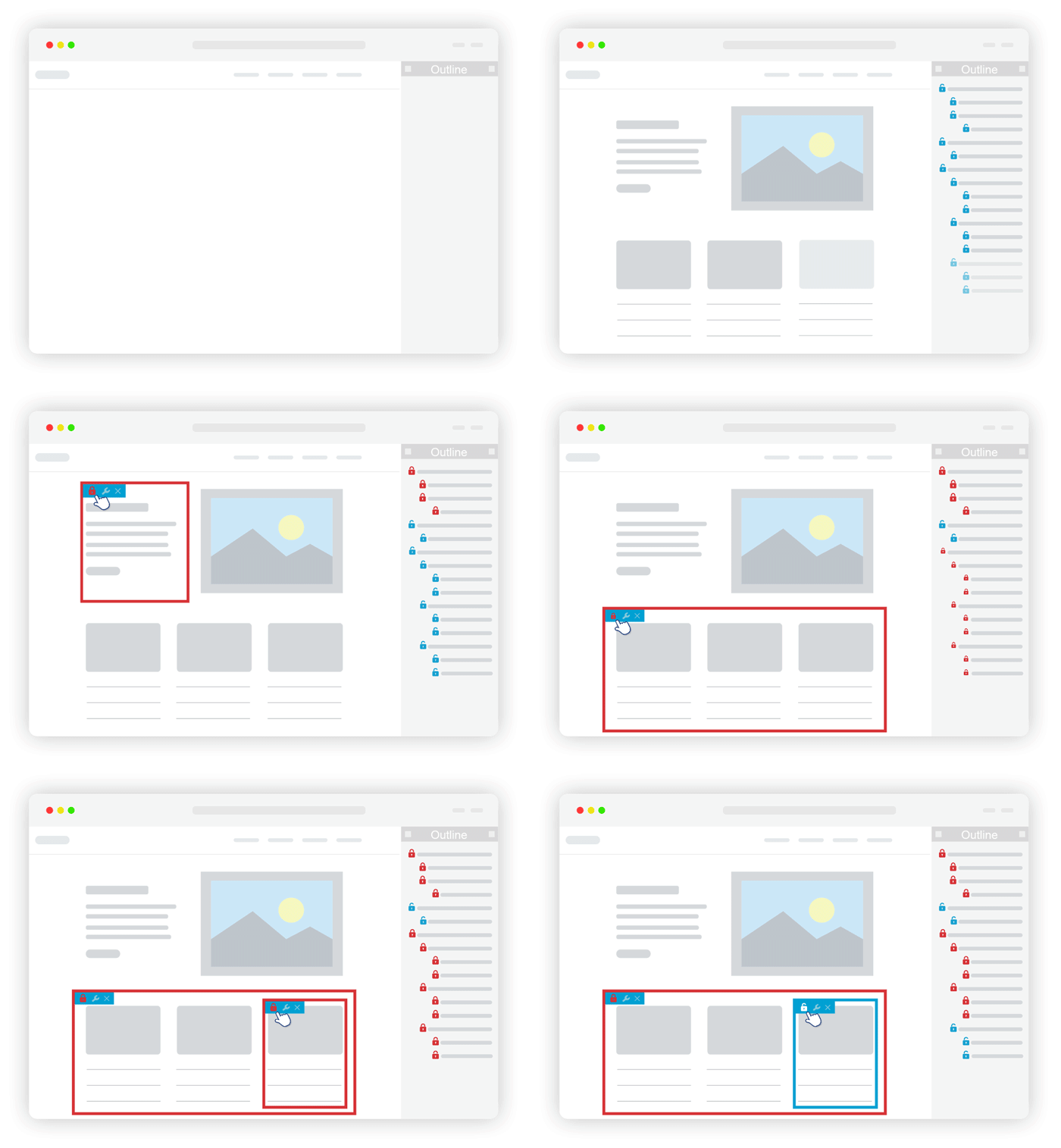
You have the power to control editing access to any element on the page.
Only want to give a client access to change a specfic image or maybe some text on a page? No Problem! With Beaver Access Manager you can set access restrictions to any element within the editor layout. Sections, containers, columns and every widget type, you name it, if it can be edited, it can be restricted.
Simplified experience!
Element Settings Control
Remove editing access to element settings.
Only want your clients to be able to change an image and not the size or maybe change some text and not the color? Beaver Builder is a powerful tool with many settings, but for clients this can be overwhelming and confusing, putting them at risk to potentially break your design. With Beaver Access Manager, you are now able to hide settings from your clients, preventing them from having access. Allowing you to show only the settings you want to grant clients the ability to edit. Simplified success!
More features, more control

Global templates
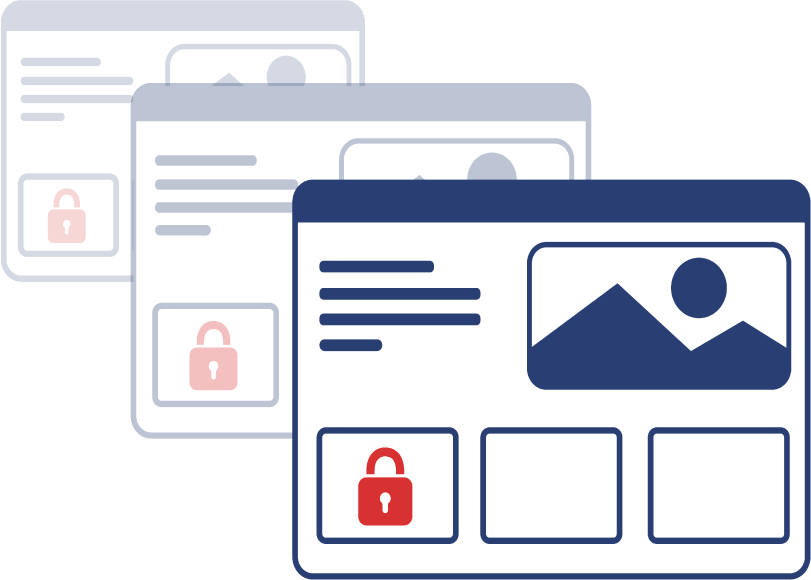
Templates
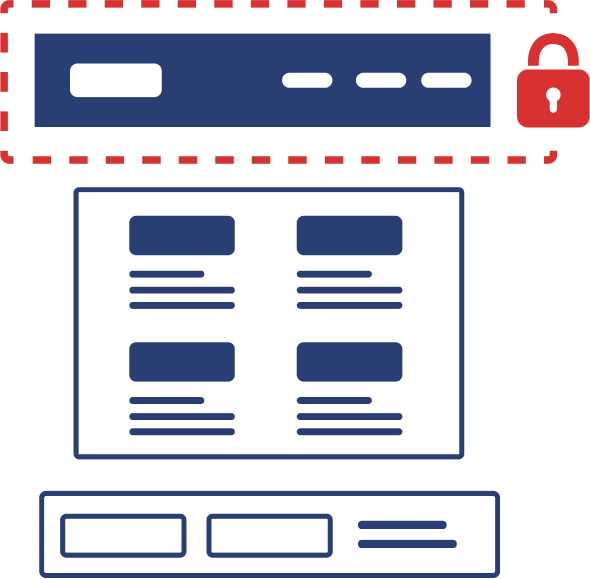
Theme parts
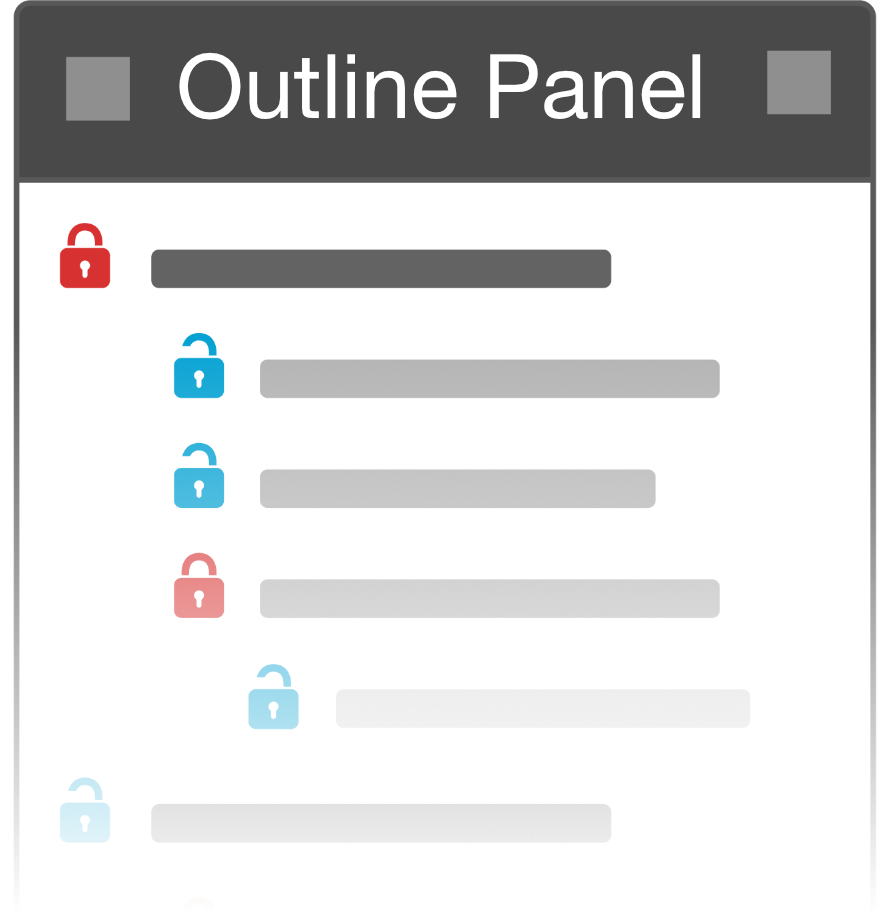
Outline panel integration

Intuitive and efficient